A Toss & Catch station where the squishy ball is the controller
Students pick a squishy (Capy the Chill Capybara, Dumpy the Dumpling, Butters the Butter Stick, Cubie the Ice Cube or Mochi the Bunny Mochi) and run through a candy world full of gumdrops, rolling pins, frosting drips and soap bubbles. The controller is a real squishy ball in their hands, and the webcam watches it. Toss the ball up and catch it, and the squishy jumps. Hold it down low and it ducks. Squeeze it with both hands and the squishy smooshes flat to fit through tunnels. Bump into something and your squishy gets dented, loses a few stars, and slowly puffs back into shape, just like the real toys.
Every jump is a toss and a catch, so students practice tracking the ball, soft hands and controlled throws while they play.
How to play
- Set the ball color once. The first time, hold the ball up to the camera and tap on it in the picture. The game remembers it.
- Pick your squishy. Hold the ball low to move to the next squishy, then toss it to start. After a 3-2-1 countdown, the run begins.
- JUMP: toss the ball up and catch it. Clear the gumdrops, rolling pins and macaron stacks, and grab the stars in the air.
- DUCK: hold the ball down low. Slide under frosting drips and soap bubbles, and scoop up the low stars.
- SQUEEZE: both hands squish the ball. When a striped tunnel shows up, squeeze to flatten your squishy and slip through.
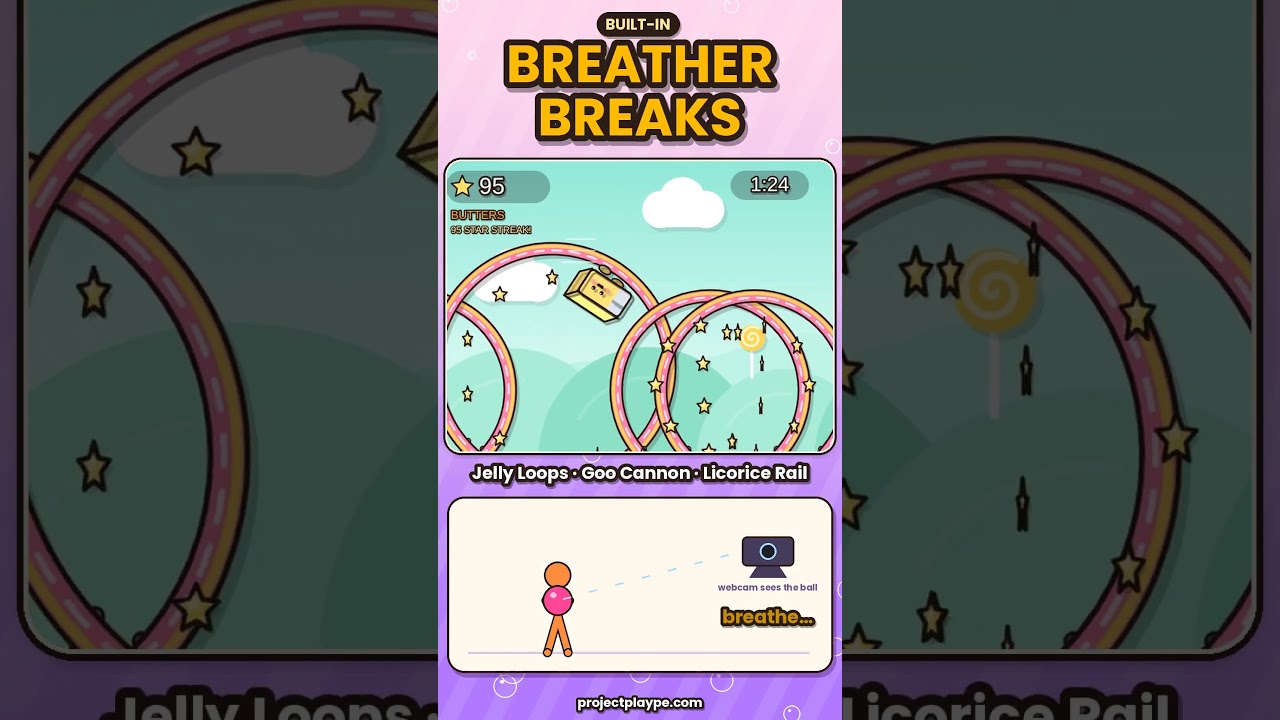
- Breather breaks. Every so often the game takes over for a fun ride: Jelly Loops, Taffy Twist, Bounce House, Goo Cannon or Licorice Rail. Students hold the ball, catch their breath, and get ready for the next stretch.
- Results. Each run lasts 2 minutes. At the end you see your stars, jumps, ducks, squeezes and bumps, then the next player is up.
Running it as a PE station
- Set up a laptop and webcam facing the station, with a big screen or projector if you have one.
- Put out 1 bright squishy ball.
- One student plays a 2-minute run while the rest of the group waits in line or cheers.
- Pass the ball. The next player starts automatically, so the station runs itself during rotation.
Make it harder: catch with one hand, clap before the catch, or toss from hand to hand. Make it easier: use a bigger, softer ball and smaller tosses.
Setup tips
- Use a bright, solid-colored ball, like hot pink, lime or orange. Avoid gray, white, or a color that matches students’ shirts or the wall behind them.
- Keep the room lit and put the camera where the student and the ball are both in view, with the ball visible from overhead down to the knees.
- Toss up, not out. A gentle toss a foot or two above the head is enough to jump.
- No ball? No problem. Press V to switch to body mode: real jumps, squats, and palms pressed together to squeeze.
Test mode (no camera)
Want to try it before class, or play on a device without a webcam? Click TEST MODE (no camera) on the title screen, or press T. The camera stays off, and big JUMP, DUCK and SQUEEZE buttons appear at the bottom of the screen for mouse or touch. You can also use the keys. Test runs don’t count toward the high score.
Keys
| Key | What it does |
|---|---|
| Space or ↑ | Jump / start |
| ↓ (hold) | Duck |
| → (hold) | Squeeze |
| T | Test mode (on the title screen) |
| B | Set the ball color |
| V | Switch between ball mode and body mode |
| C | Recalibrate (body mode) |
| P | Pause |
| M | Mute |
What you need: a laptop or Chromebook with Chrome or Edge and a webcam, a projector or big screen, and a bright squishy or stress ball. It’s a single file you open in the browser, with nothing to install.
Part of the PlayWithMotion 5000 series by Project Play PE.