Dodge the farm with your whole body
Your turkey is running down a two-lane farm road, and the webcam turns your moves into its moves. Step left or right to switch lanes around cows, scarecrows and hay wagons. Jump to hop hay bales, pumpkins, pies and fences. Grab the corn along the way. Bonk into something and your turkey loses feathers and 5 corn. Pick from five turkeys: Tom the Classic, Gobbles the Pilgrim, Pumpkin Pie the Speedy, DJ Feathers the Groovy and Sir Strut the Royal.
How to play
- Pick your turkey. Step left or right to scroll through the turkeys, then jump to lock in. Squat to switch between Rookie and Advanced.
- STEP LEFT and RIGHT to change lanes and dodge the tall stuff: cows, scarecrows and hay wagons.
- JUMP over the low stuff: hay bales, pumpkins, pies and fences that cover both lanes.
- DUCK (Advanced only). Squat low when a flock of ducks flies in.
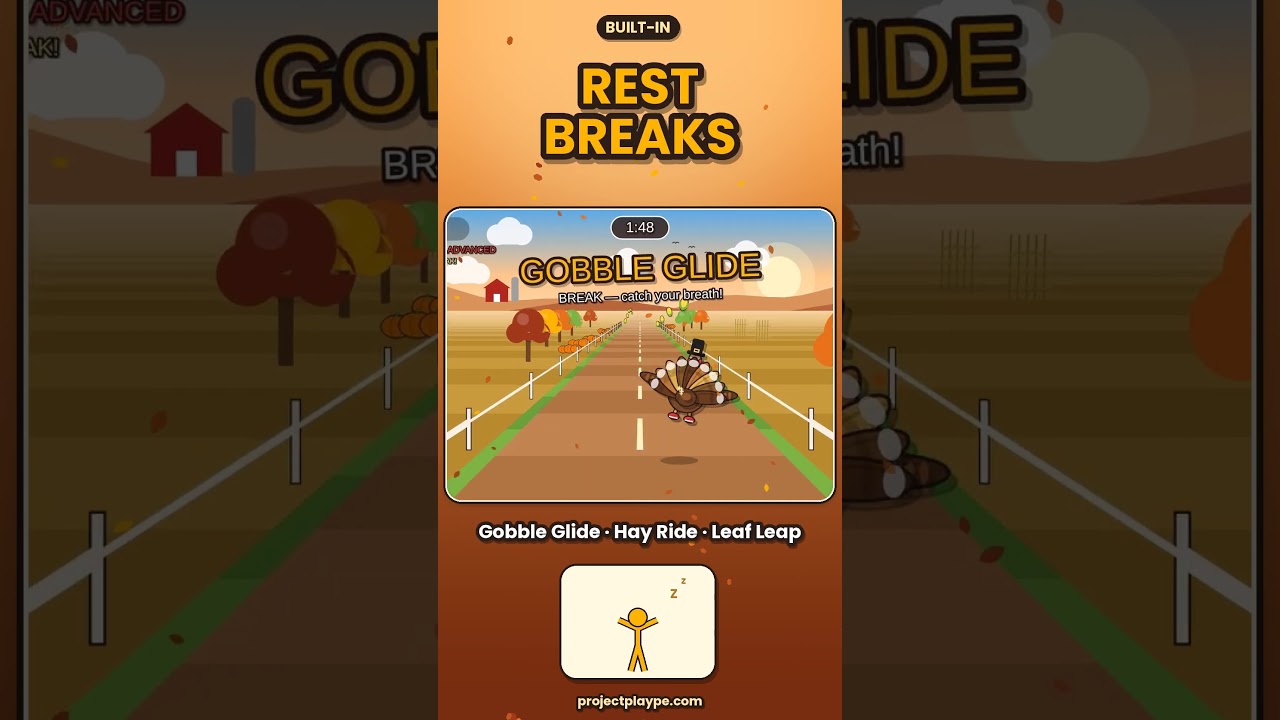
- Rest breaks. Every so often the turkey takes off on a Gobble Glide, Hay Ride or Leaf Leap. Students catch their breath while the corn rolls in.
- Results. Each run lasts 2 minutes and speeds up as it goes. At the end you see your corn, jumps, steps and bonks, then the next round is ready.
Rookie and Advanced
Rookie is step and jump only, a great place to start for younger grades. Advanced is faster and adds flying flocks of ducks that you have to squat under, so students are stepping, jumping and ducking all round. The game remembers your last level.
2-player race
Two students can race on one screen. Player 1 stands on the left side of the camera view and Player 2 on the right. The screen splits in half, and both players run the exact same farm, so it’s a fair race. Once one player locks in, the second turkey has a few seconds to jump in and join. Most corn wins!
Running it as a PE station
- Set up a laptop and webcam facing an open space, with a projector or big screen if you have one.
- Mark two spots on the floor with poly spots or tape, so students know where to stand. For 2 players, mark a left side and a right side.
- Run 2-minute rounds, then the next player or pair steps in.
- Use Rookie to learn the moves, then switch to Advanced for older grades or a second rotation.
Setup tips
- Full body in view. Stand far enough back that the camera sees students from head to feet, about 8 to 10 feet away.
- Big, clear steps. A solid step to the side changes lanes. Small shuffles might not register.
- Keep the background clear. Students waiting in line should stand out of the camera view, or the game may pick them up.
- Lights on for the best tracking. If moves stop registering, press C to recalibrate.
Keys
| Key | What it does |
|---|---|
| A / D | Player 1 change lanes |
| W or Space | Player 1 jump |
| S | Player 1 duck (and switch level on the pick screen) |
| ← / → | Player 2 change lanes |
| ↑ | Player 2 jump |
| ↓ | Player 2 duck |
| Enter | Start |
| C | Recalibrate the camera |
| P | Pause |
| M | Music on or off |
What you need: a laptop or Chromebook with Chrome or Edge and a webcam, a projector or big screen, and open floor space. It’s a single file you open in the browser, with nothing to install. No extra equipment.
Part of the PlayWithMotion 5000 series by Project Play PE.