Free
💪 Teacher Tool
● Live Now
Push-Up Counter 💪
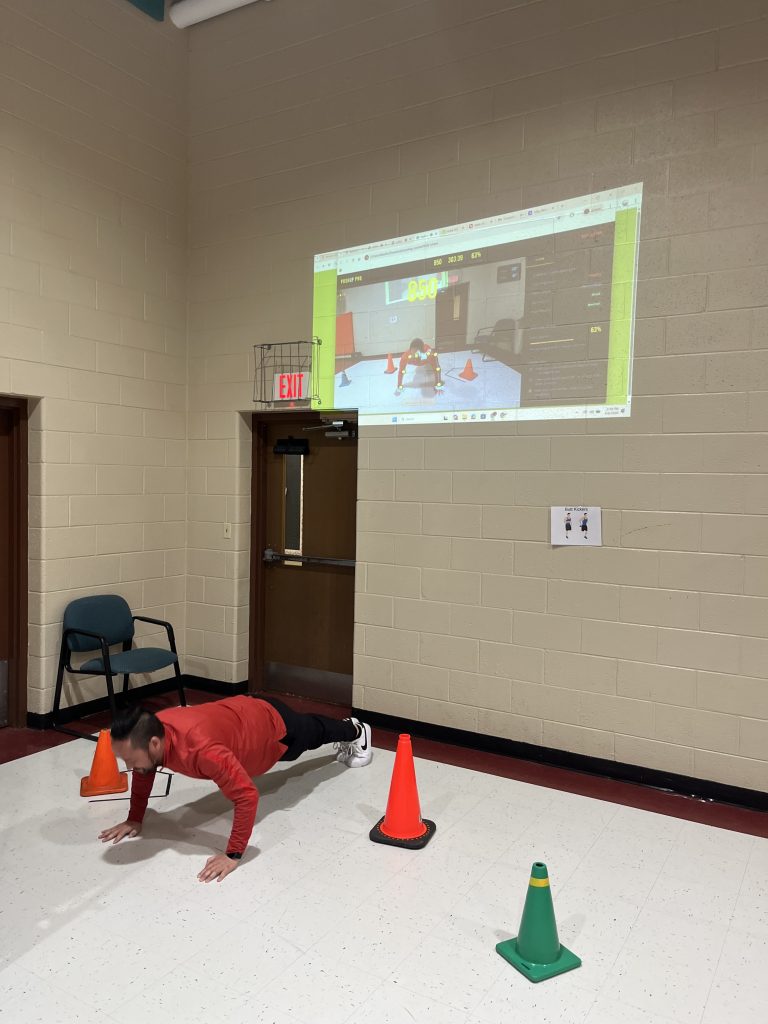
Turn a webcam into an instant push-up counter for PE class, fitness stations, and personal challenges. Students perform push-ups in front of the camera, and the tool automatically counts each rep in real time to make fitness tracking simple, motivating, and fun.
Webcam-based rep counting — uses the camera to detect movement and count push-ups automatically right in the browser.
Live push-up total — students can see their count update instantly as they complete each correct rep.
Fast station setup — open the tool, allow camera access, and start counting without clipboards or manual tally marks.
Perfect for fitness testing — use it during fitness units, challenge days, or personal best activities to make counting easier and more accurate.
Motivates students — seeing the number rise in real time adds energy, effort, and focus during push-up practice.
Works on classroom devices — run it on a laptop, tablet, or projected screen for individual use, partner work, or stations.
How to Use It
- Open the tool on your device and allow camera access
- Place the camera where the student’s full push-up movement can be seen clearly
- Have the student get into push-up position in view of the camera
- Press START to begin counting
- Students complete push-ups while the tool tracks each rep
- Watch the live total update on screen in real time
- Use the final number for challenges, stations, or fitness tracking
- Reset and repeat for the next student
Launch Push-Up Counter
Opens in a new tab — webcam ready and built for fitness stations.
Why Use a Push-Up Counter?
Automatic counting saves time, reduces teacher guesswork, and lets students focus on effort and form instead of keeping track of reps.
Great for Fitness Units
Use it for fitness stations, classroom challenges, strength tracking, or personal-best days to make push-up practice more organized and engaging.
Encourages Effort
Students love seeing the number go up live. It adds motivation and gives them a clear goal to work toward during each attempt.
Built for PE Teachers
Simple browser-based setup makes it easy to use in PE without extra equipment, special apps, or complicated directions.
⌨ Keyboard Shortcuts
SpaceStart / Pause
RReset Counter
FToggle fullscreen